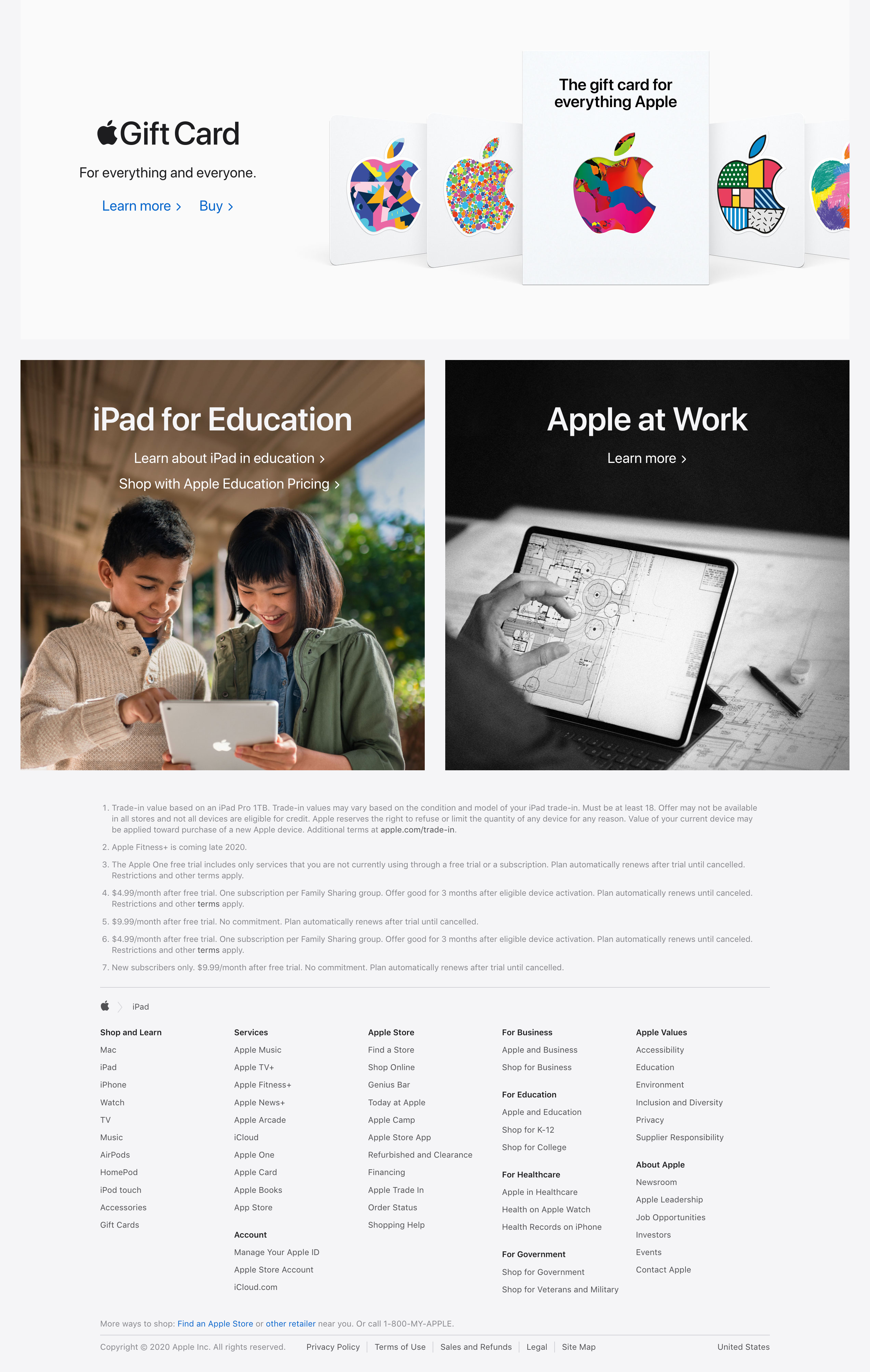
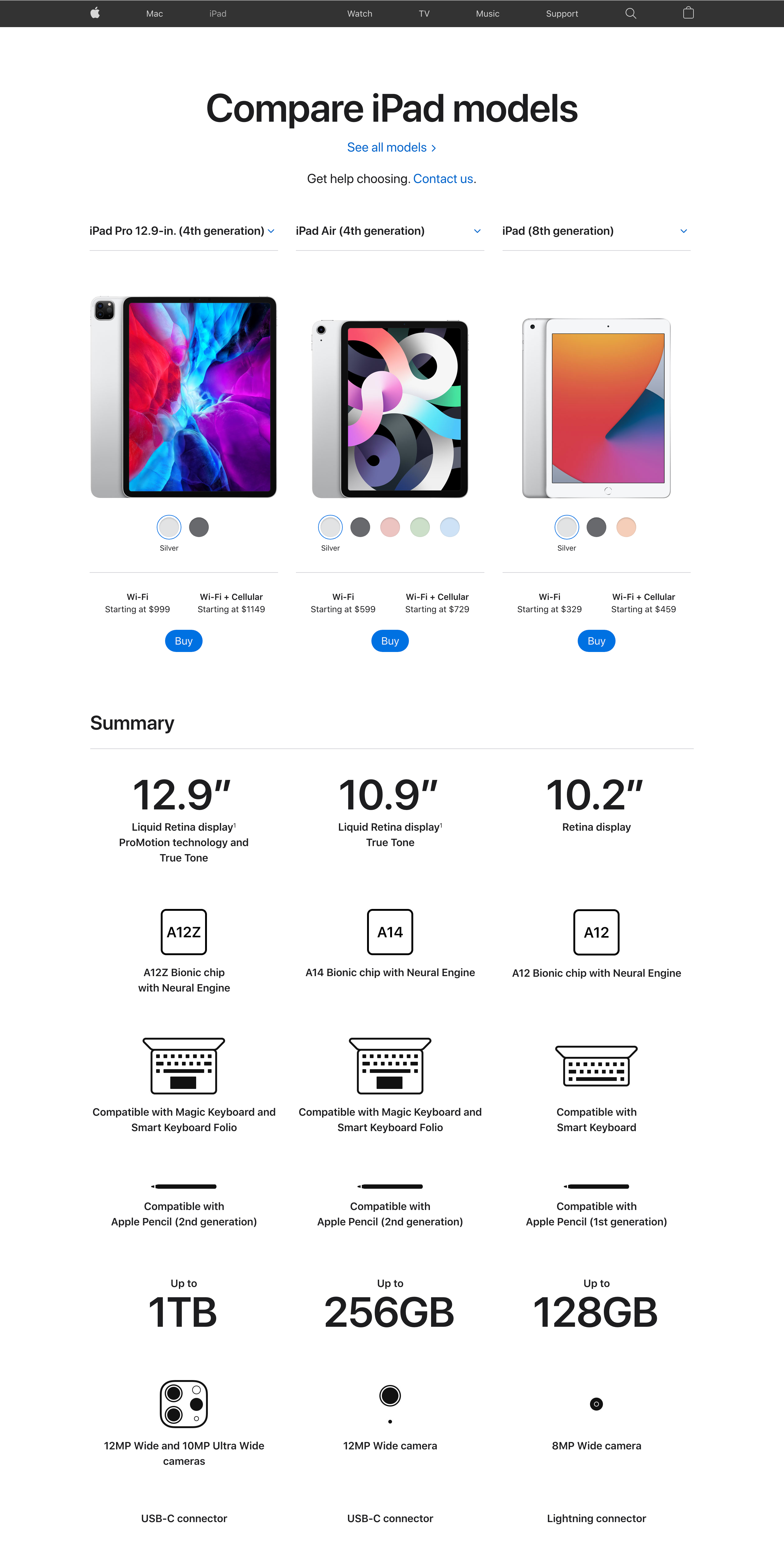
Apple
Digital Visual Systems & Platform Consistency
Overview
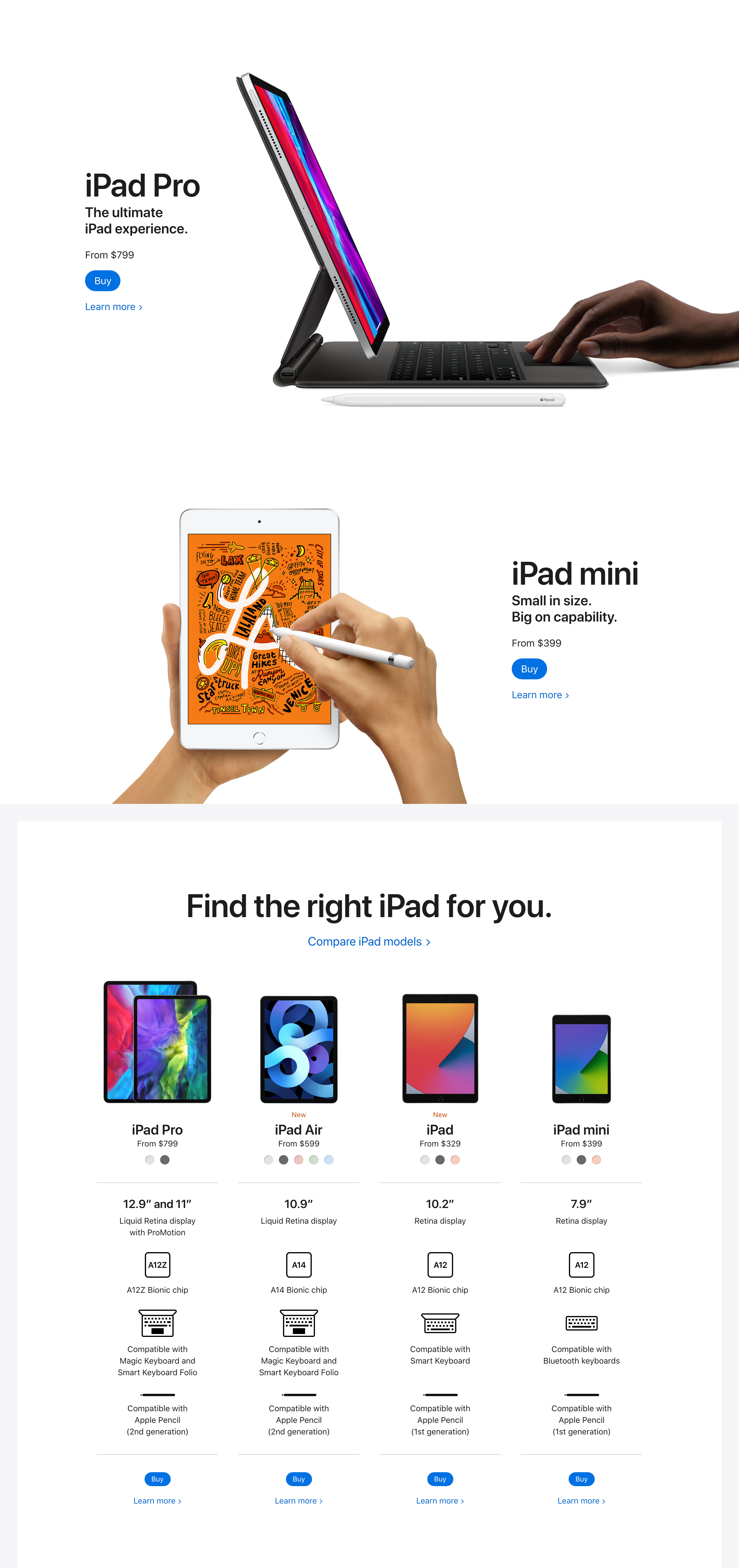
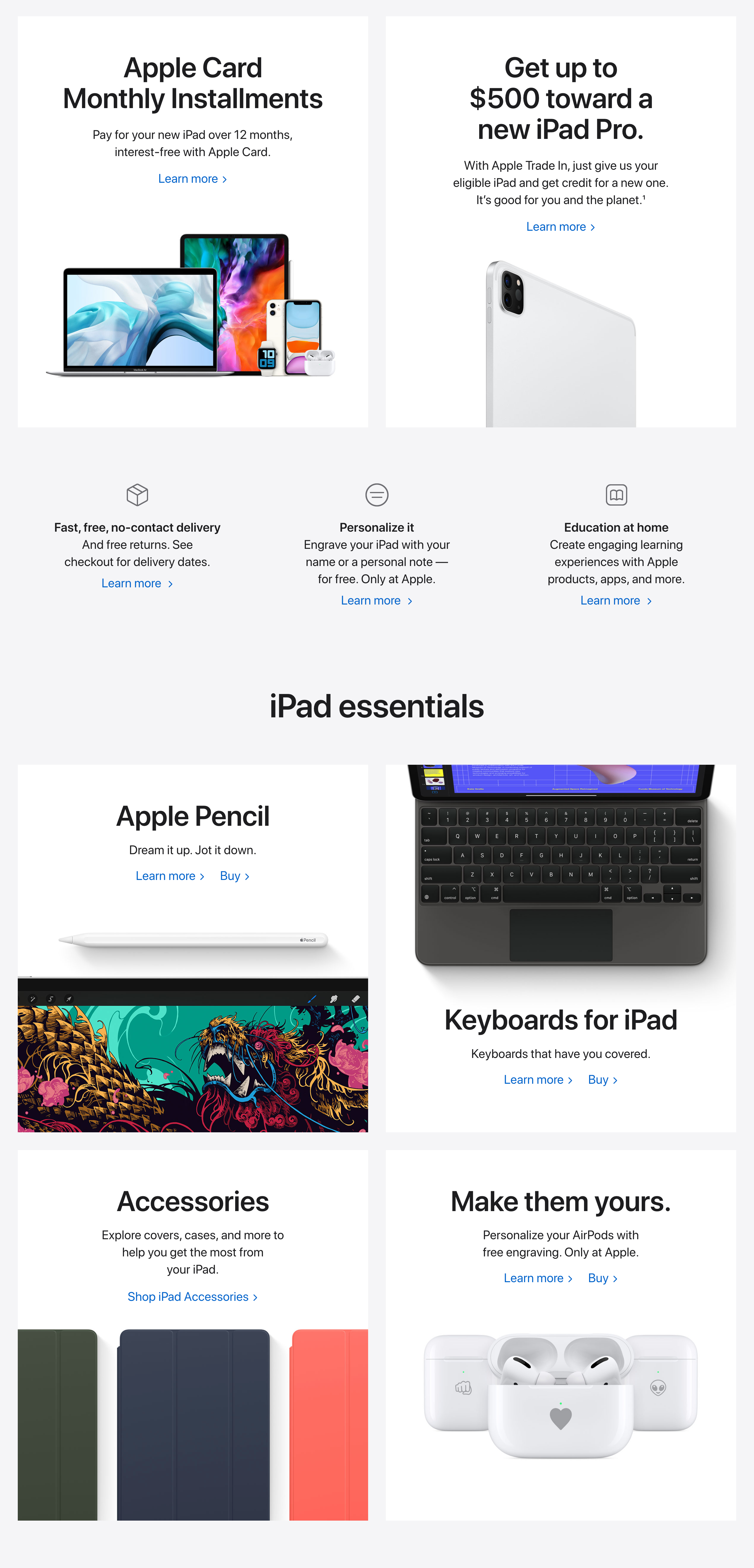
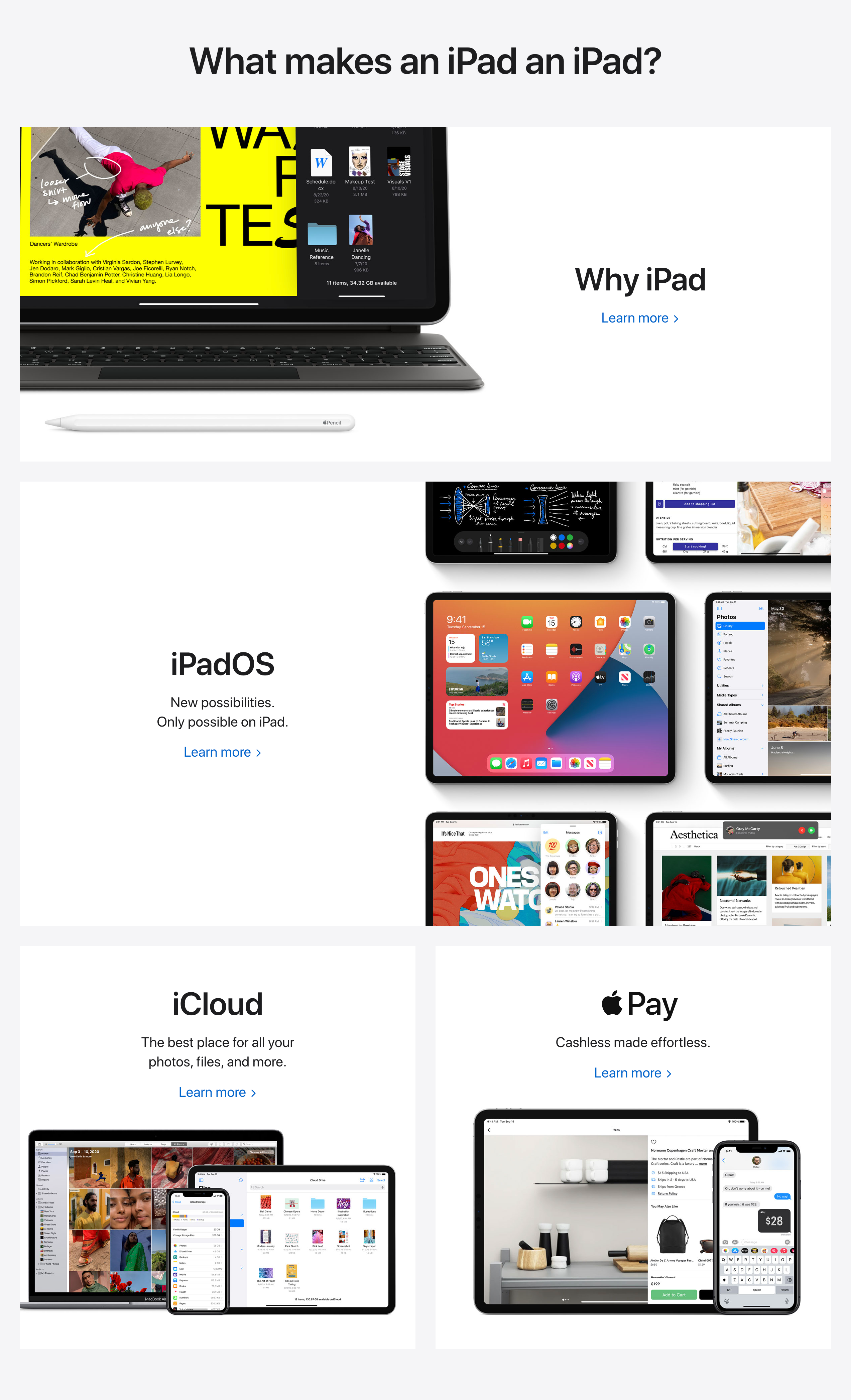
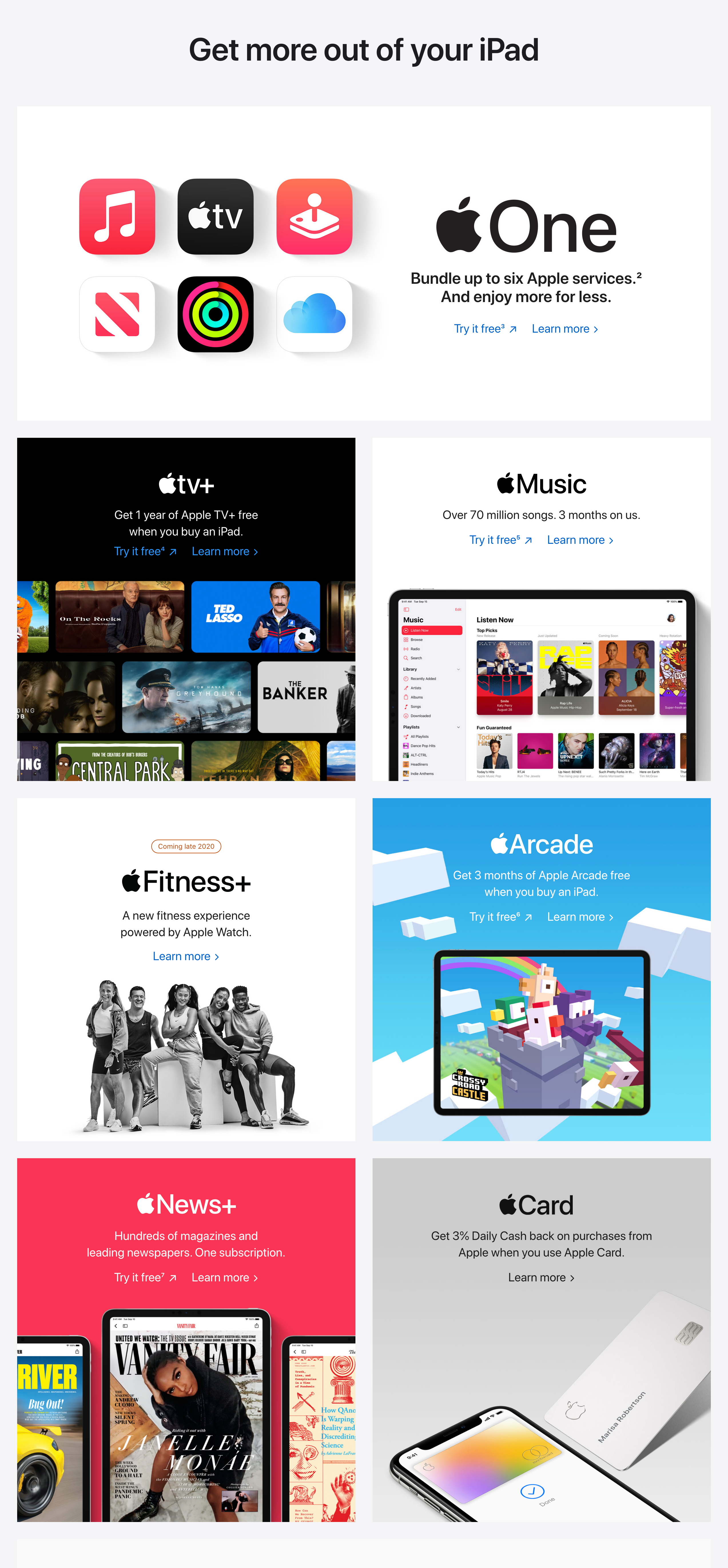
Contributed to global product detail page updates within a highly structured design ecosystem.
Role:
Digital / Production Designer
Scope:
Web & Visual Asset Production
My Contribution
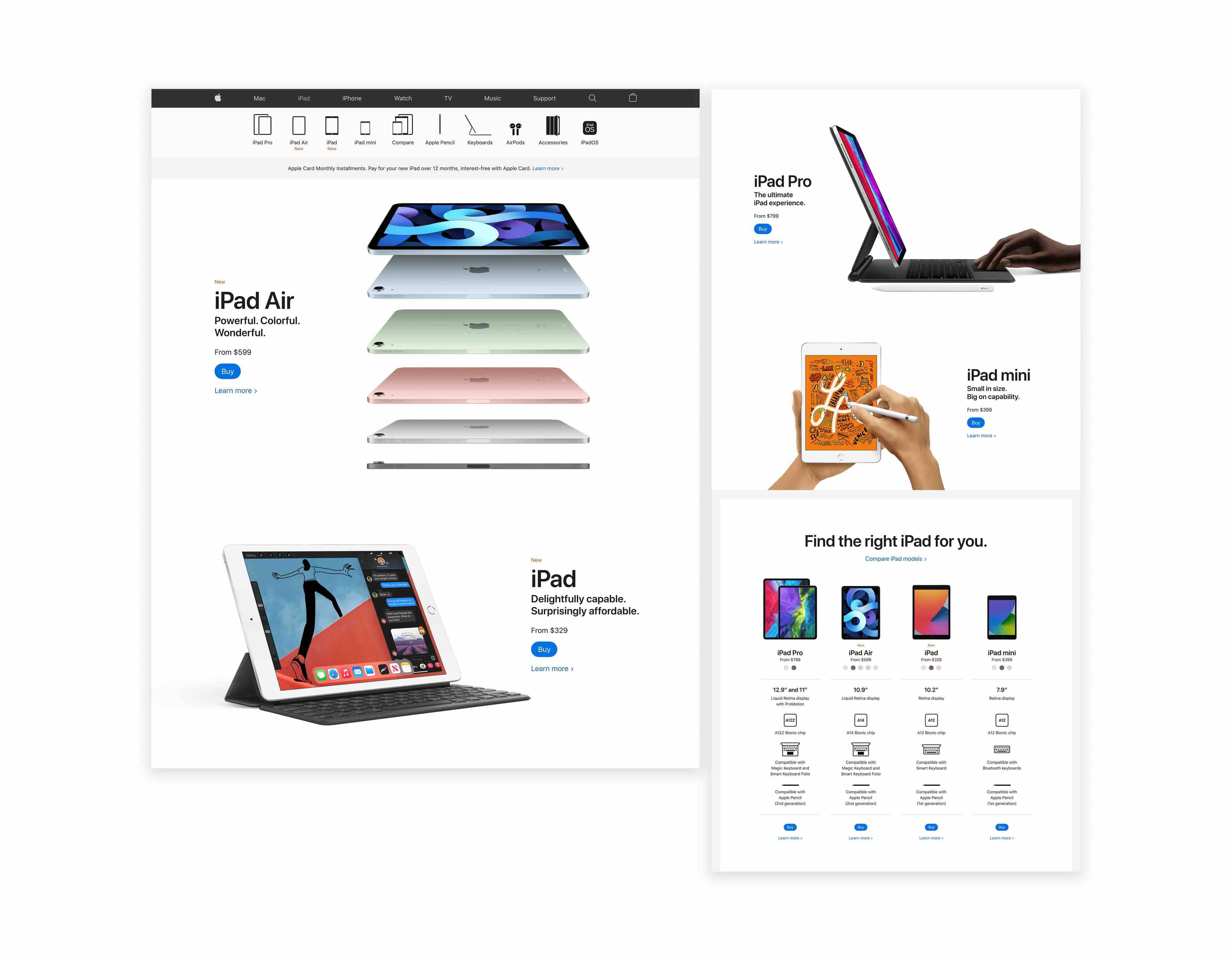
Supported layout refinement and content hierarchy adjustments to ensure clarity, consistency, and scalability across product variations.
Process
Aligned storytelling modules with established design systems and collaborated with cross-functional teams to maintain global consistency:
- Clean, minimal layout structures
- Pixel-level precision
- Consistent component usage
- Alignment with platform guidelines